A Refreshed Look for Tables
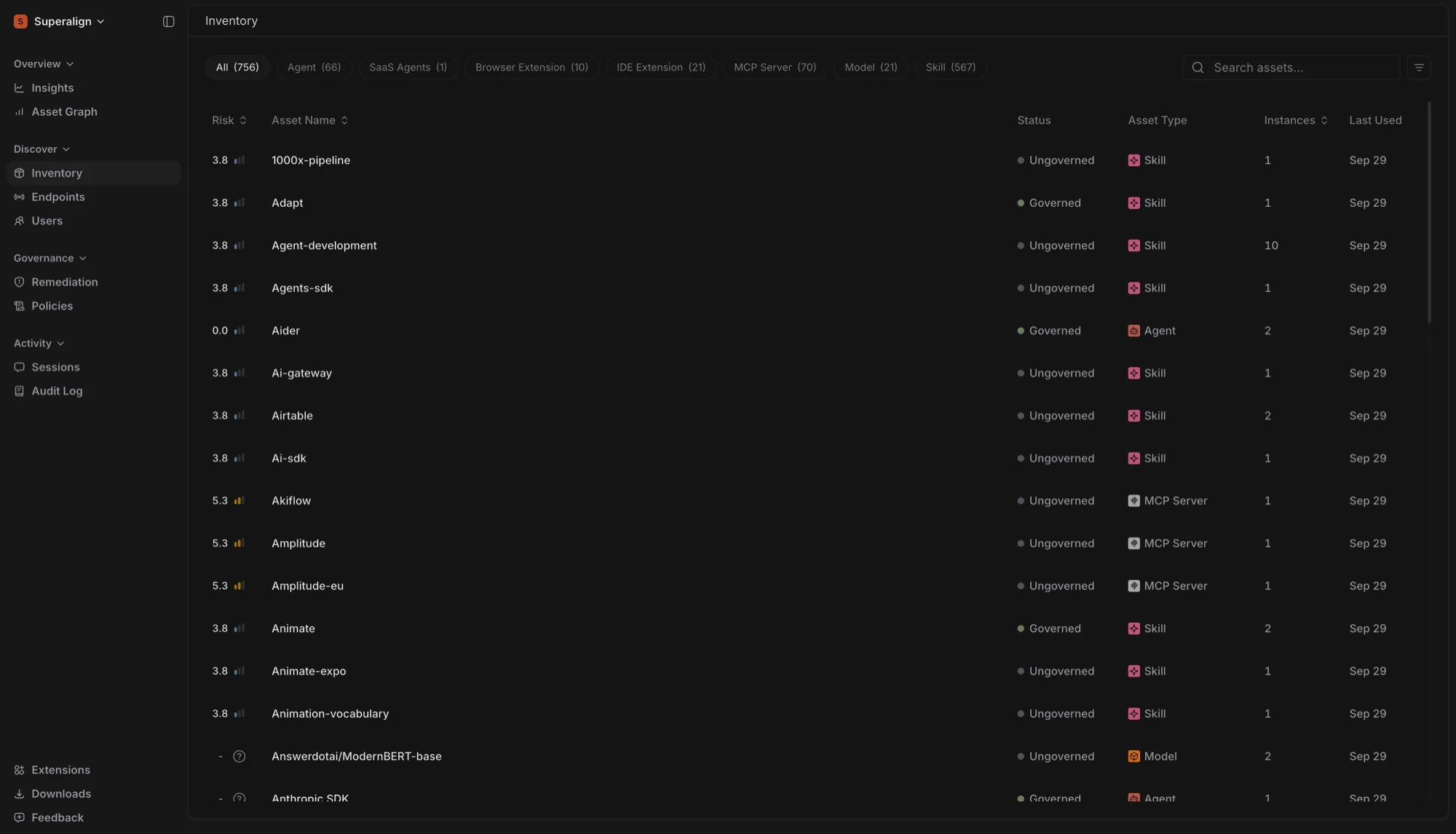
Every table in the console has a new design. Inventory, Endpoints, Remediation, Policies, Sessions, Prompts, Users and the Audit Log now share the same layout, with cleaner risk, status and asset cells.
Only clickable rows highlight when you hover over them, and selecting text in a row no longer opens it by accident.
User Management in the Side Panel
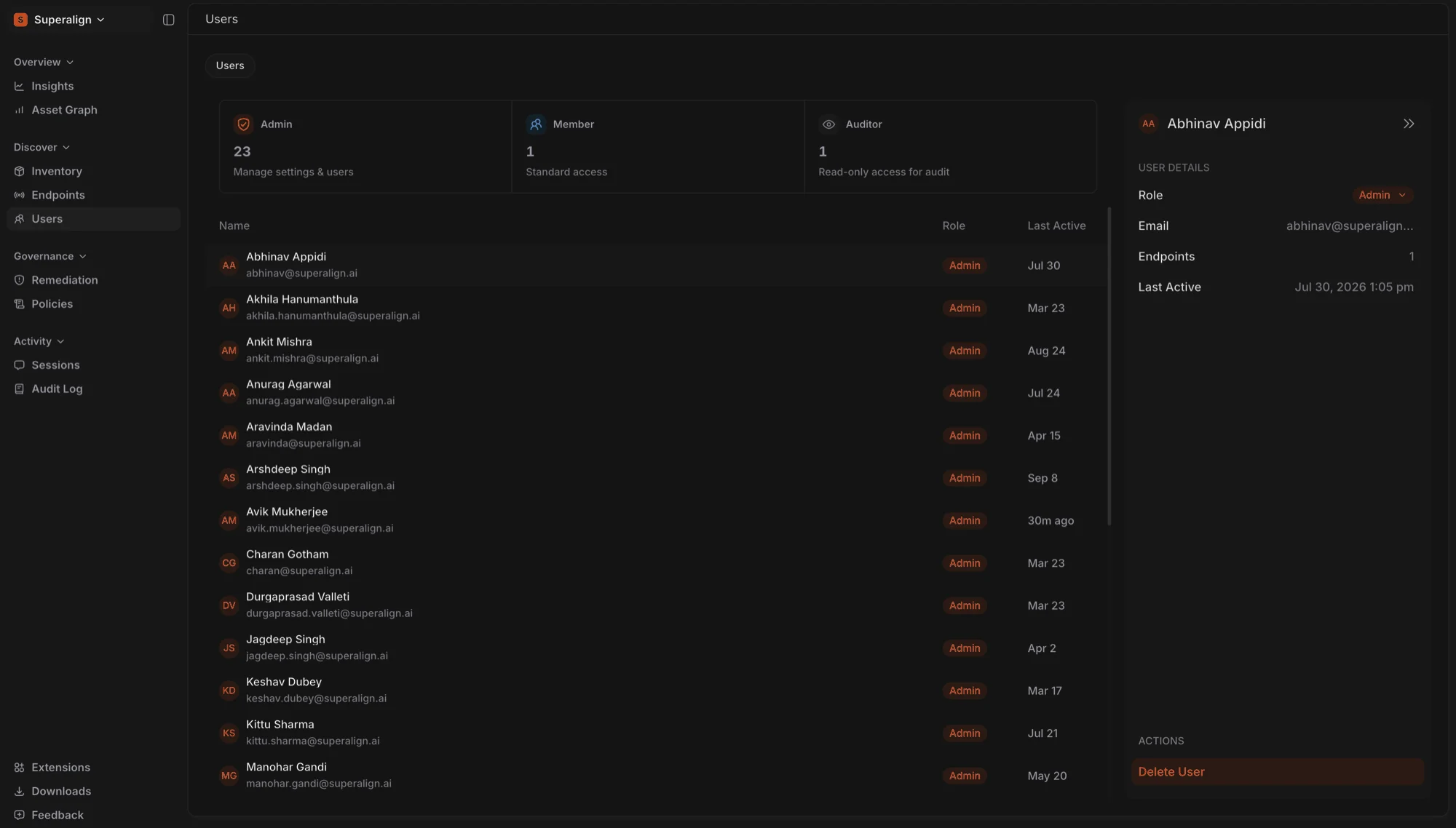
Click a member on the Users page to open their details in a side panel, the same way assets and sessions open elsewhere in the console. Changing a member’s role and removing a member now happen in this panel instead of in the table.
The page also has updated role cards, and each member’s avatar is tinted by their role.
New Tooltips
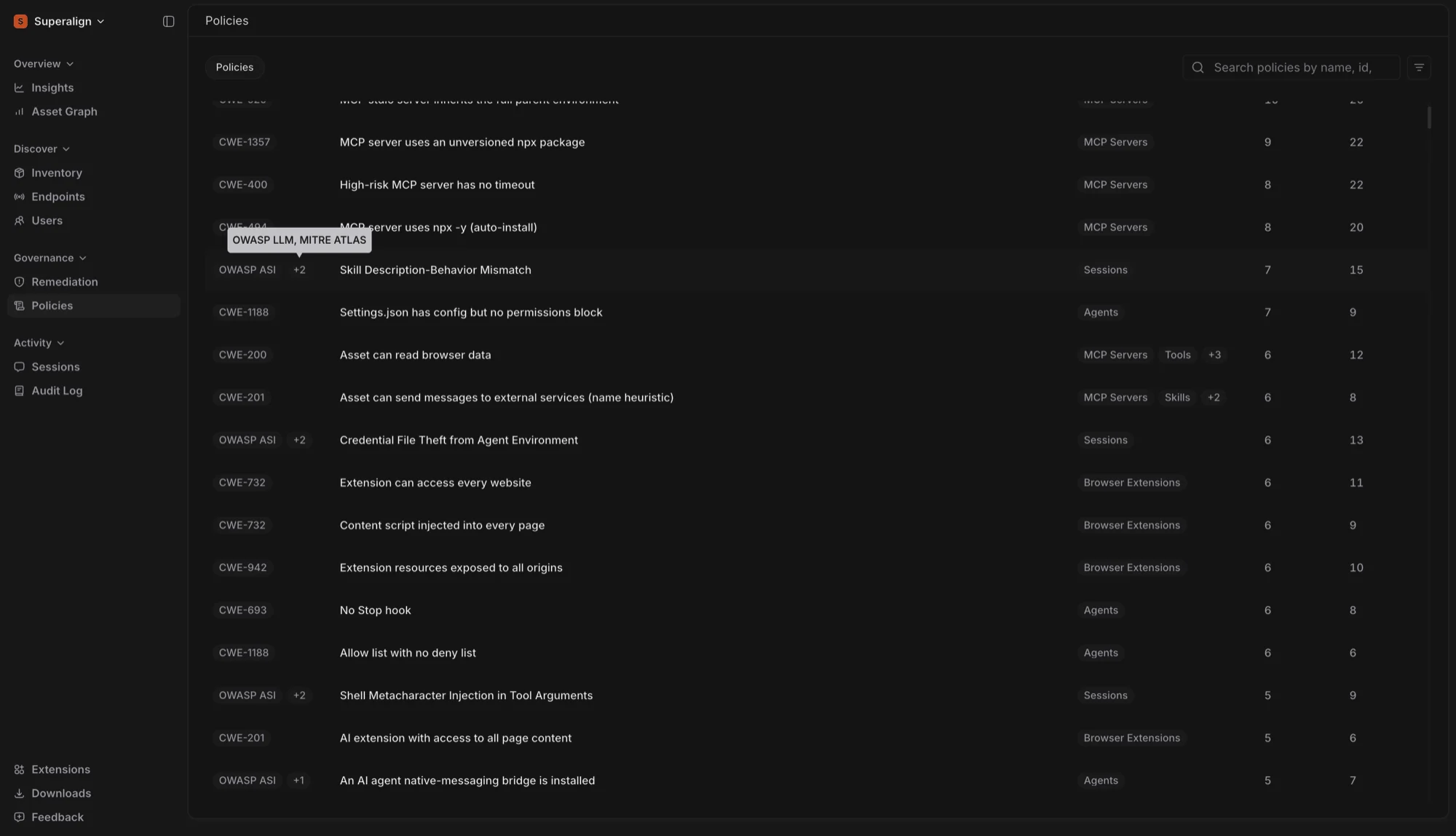
Tooltips across the console have a new dark style that is easier to read. Keyboard shortcuts now appear inside the tooltip, and hovering a “+N” chip lists the remaining items in plain text.
SaaS Agents
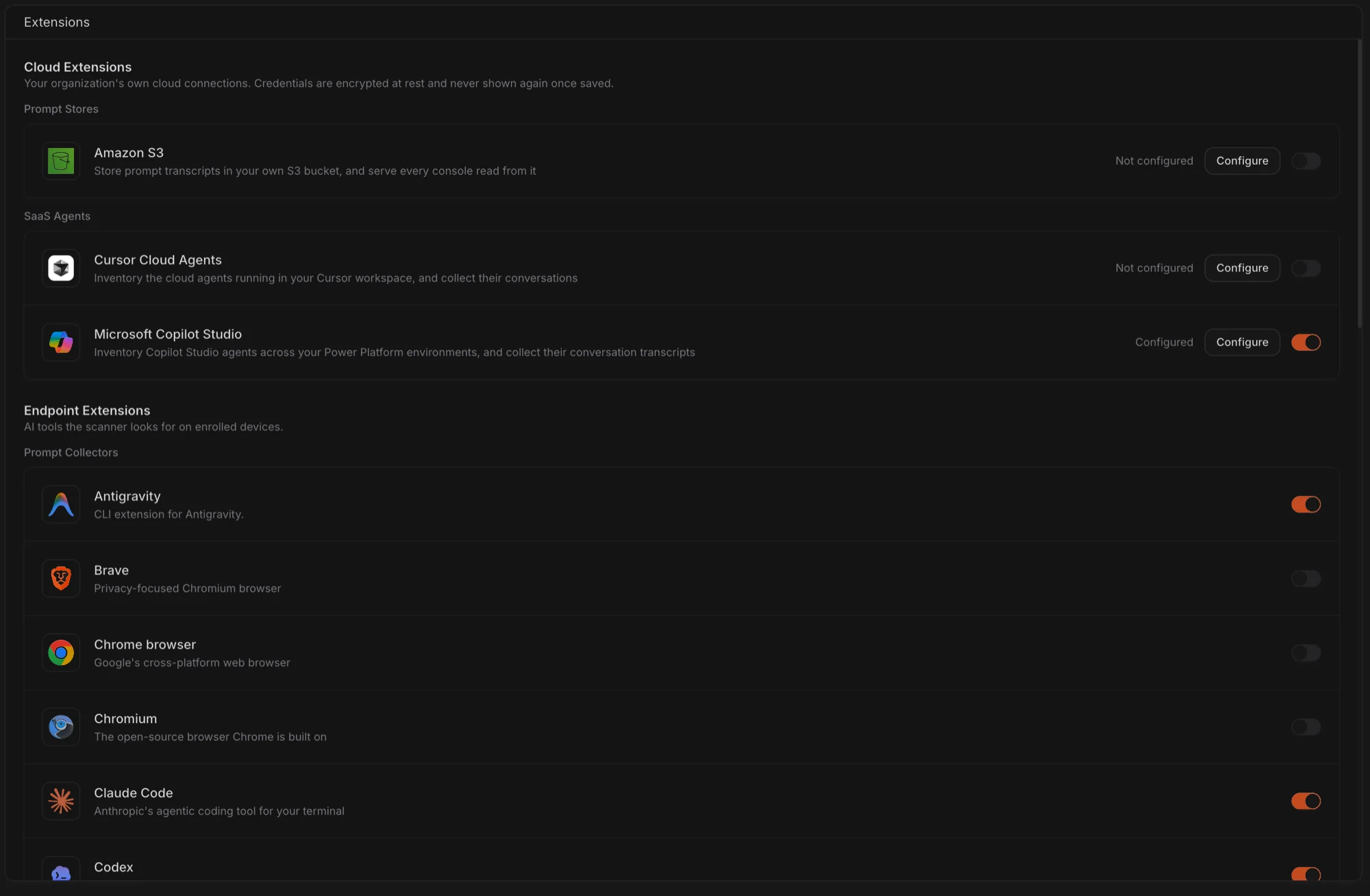
Surface can now discover AI agents running in Cursor and Microsoft Copilot Studio. Connect a workspace to inventory its agents and collect their conversations.
To get started, go to Extensions → SaaS Agents.
Redesigned Side Panel Tabs
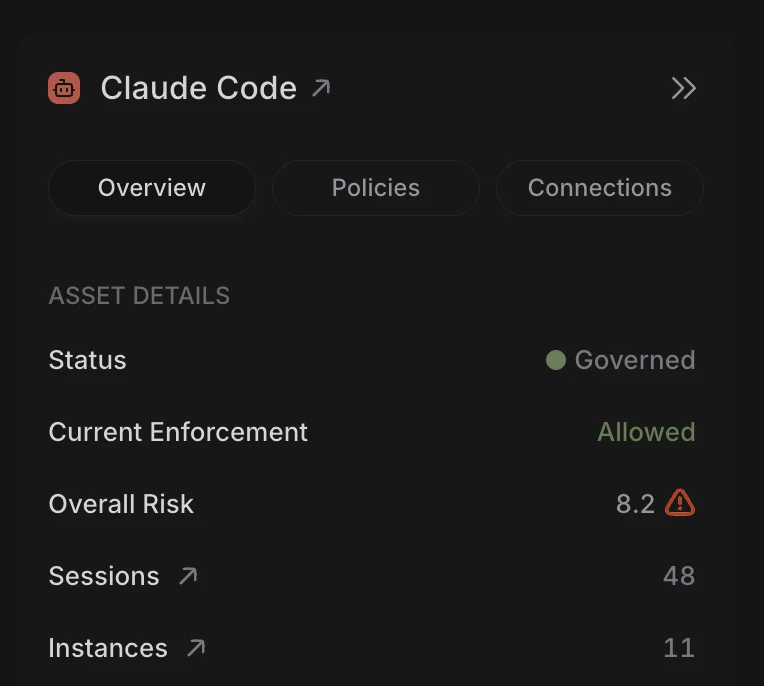
Tabs in the side panel are now separate pill buttons, which makes it easier to see which view you’re on when you inspect an asset, session or member.
Wider Side Panel on Large Screens
On large, high-resolution monitors (2560px wide and up), the side panel now opens wider, so details have more room and wrap less. The Asset Card on the Asset Graph widens with it. Smaller screens keep the current width.